






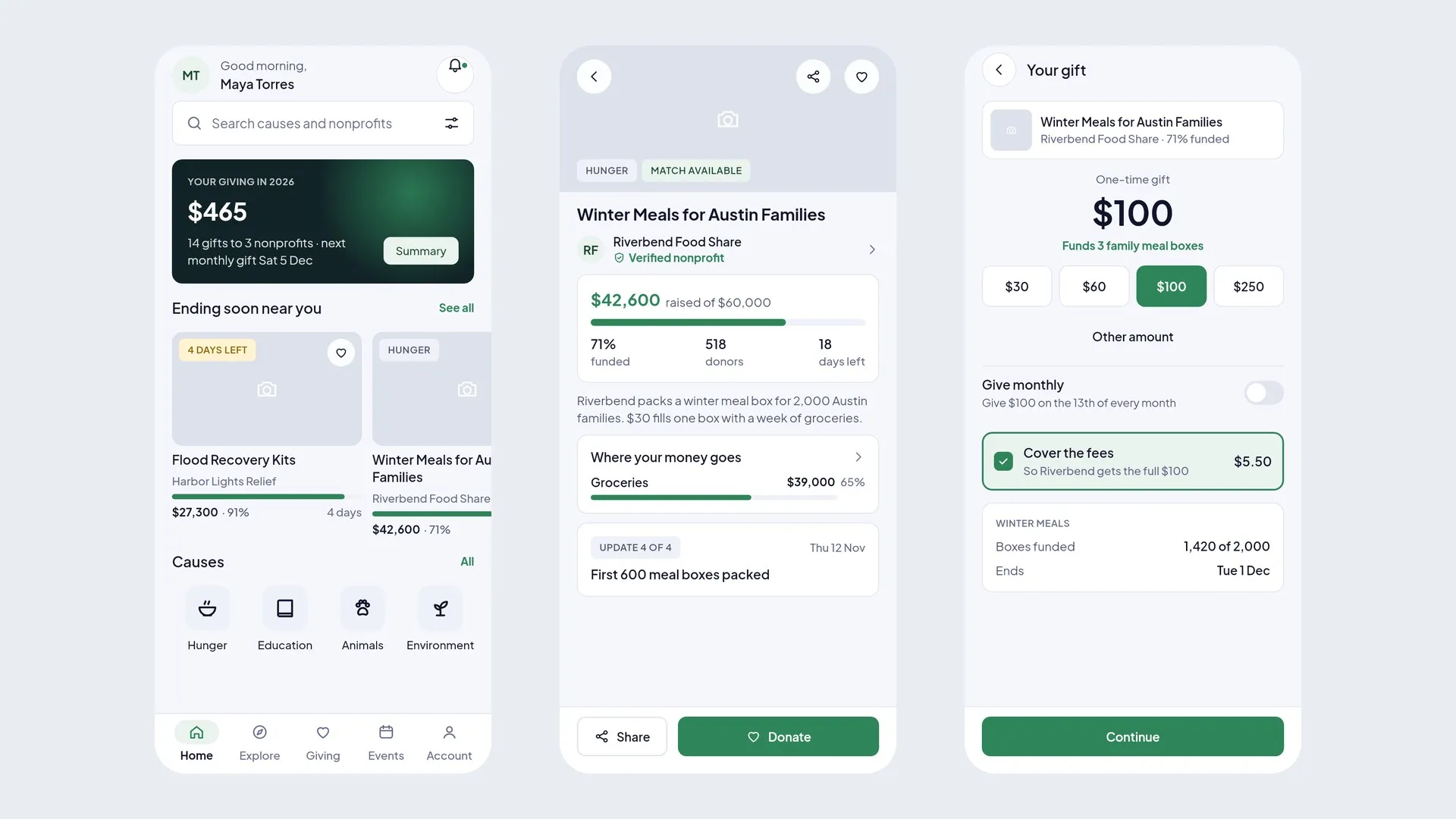
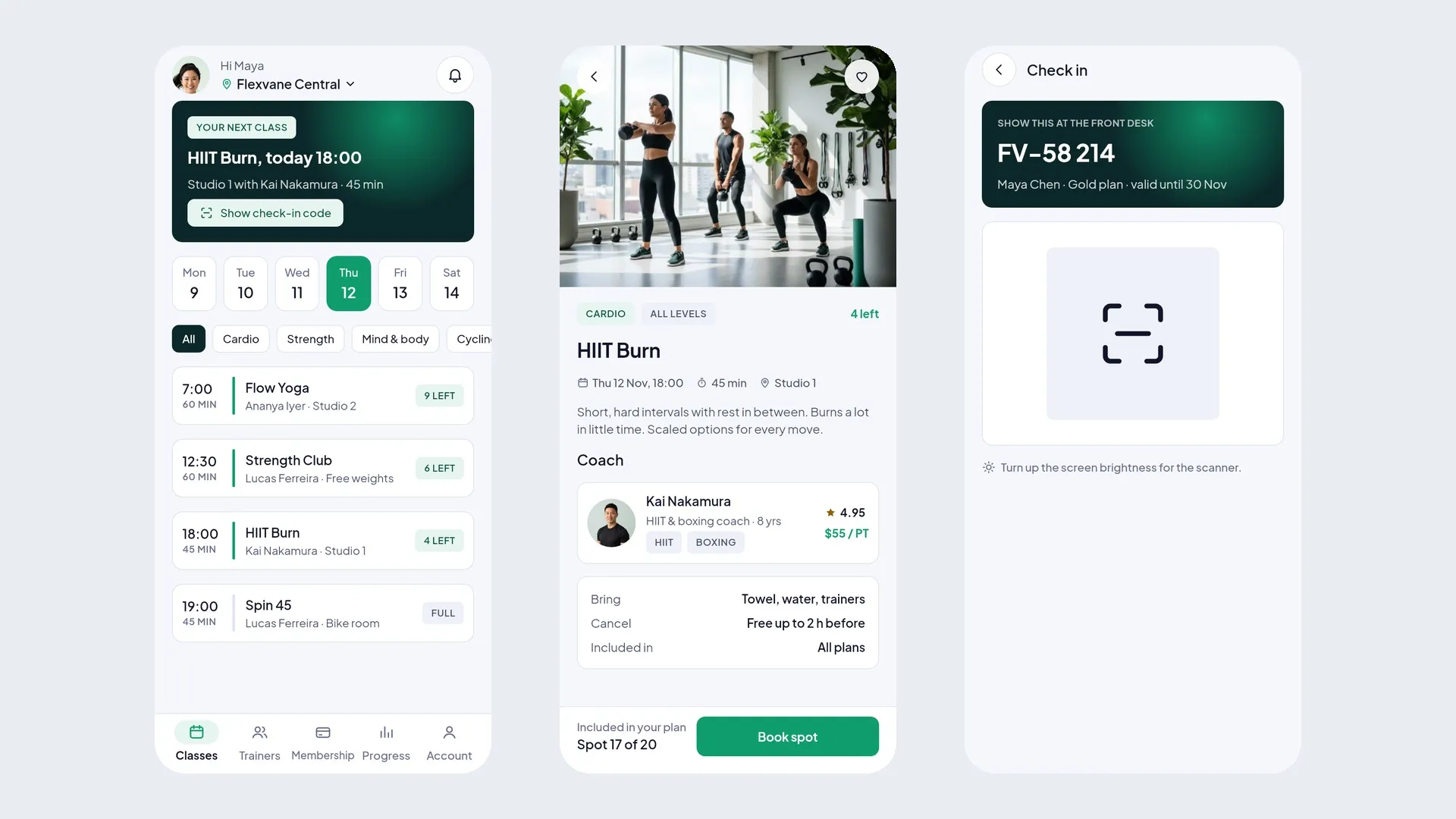

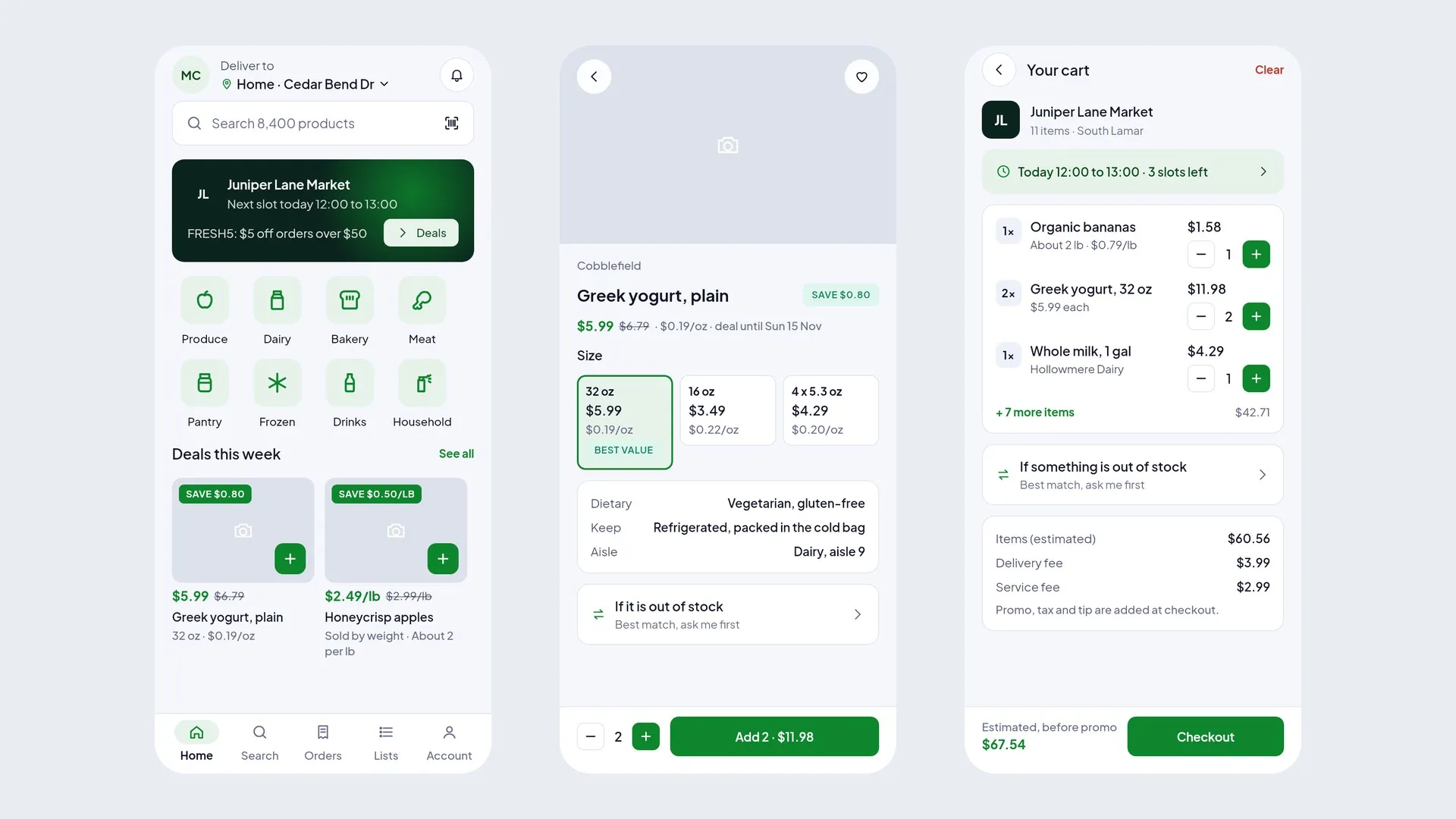
Food and grocery
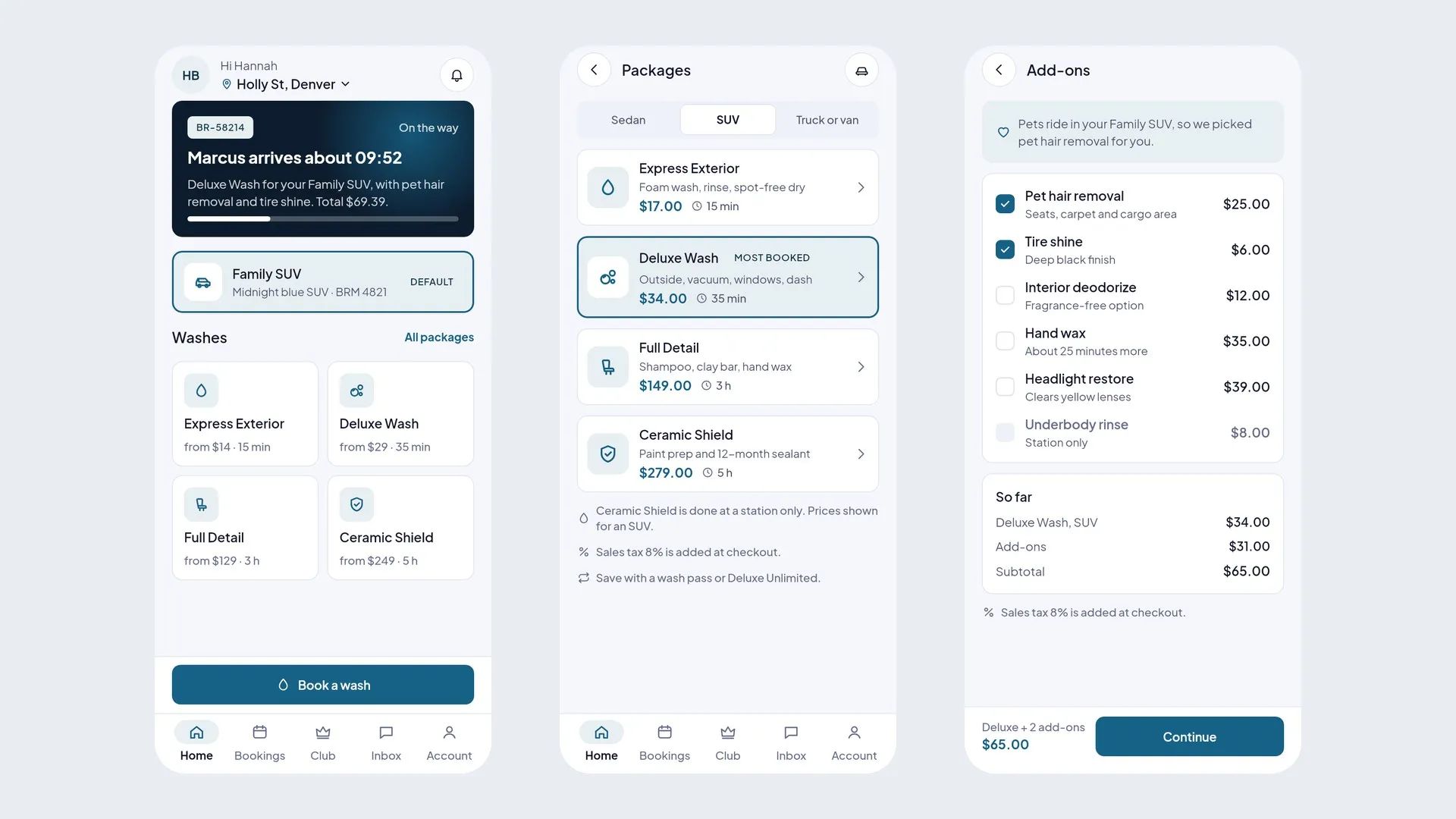
BasketSmile · Grocery delivery
Shoppers order groceries, pickers pack, drivers deliver to the door.
- Flutter UI kit
- Figma kit


Every role included. Take the Flutter code, the Figma design, or a full app installed on your own cloud in five steps.
Installing DocCozy
Step 5 of 5Live on app.yourbusiness.com · security check passed
Full app installer preview · full apps are coming soon · every step explained
App products
32Ready-made apps
Designed screens
4,456Phone and desktop
Industries
8From clinics to couriers
Complete app with backend, installed in your own cloud.
from$49
Coming soon: see the appsFlutter source code for every screen. No backend.
$18
See all Flutter UI kitsDesign files for every screen and role.
$39
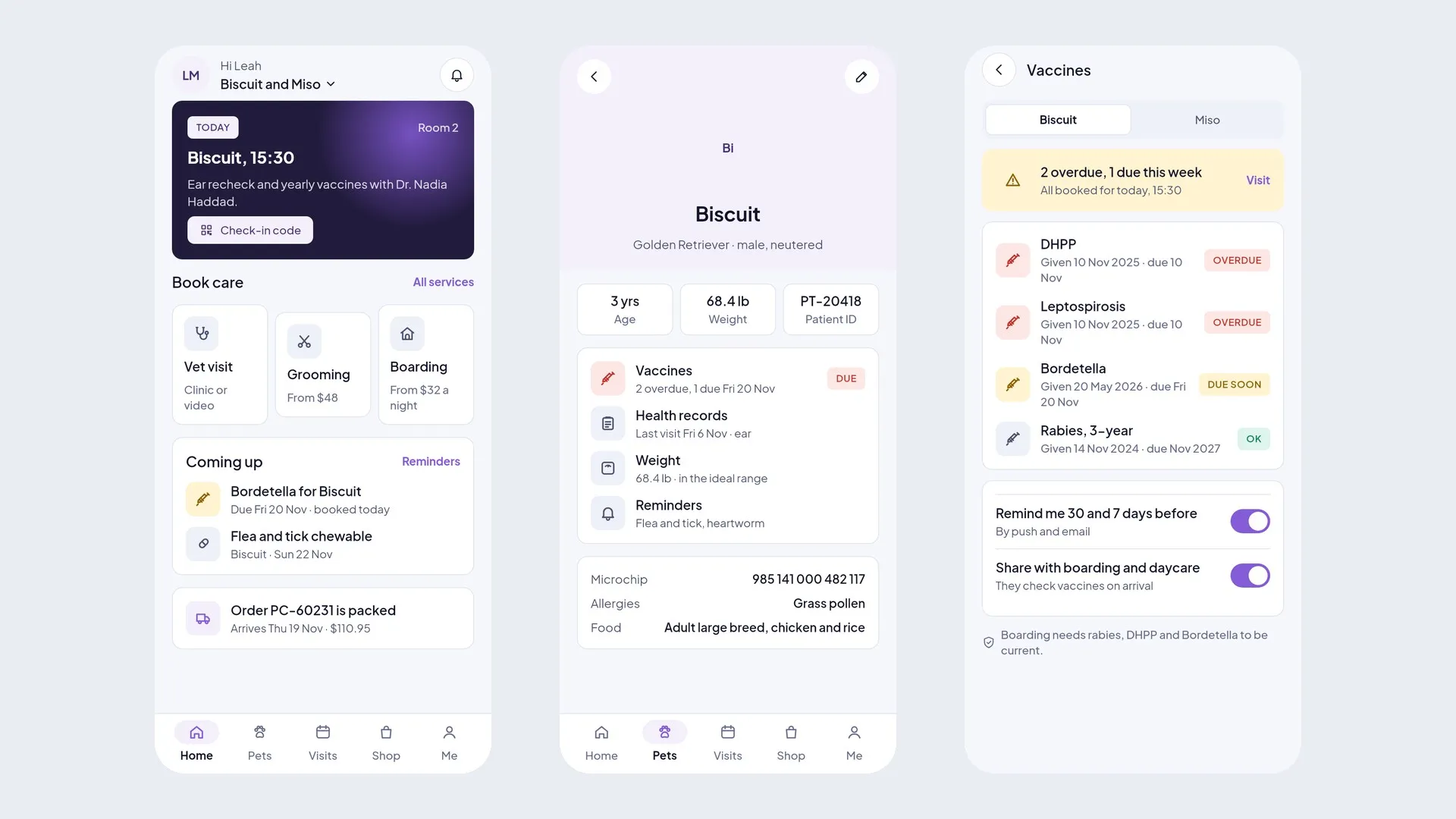
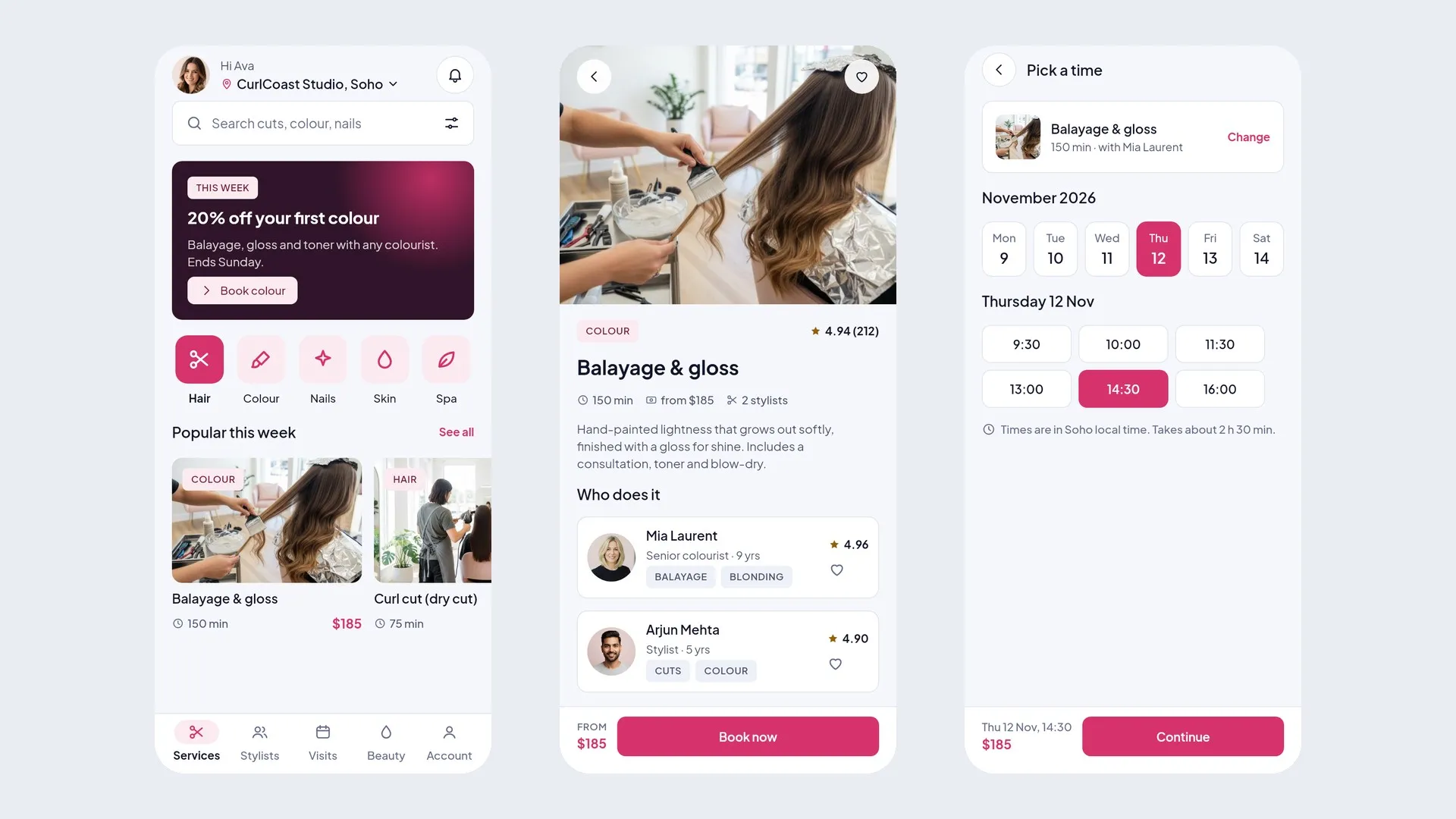
See all Figma kitsdoctor booking, lab test booking, vet and pet care
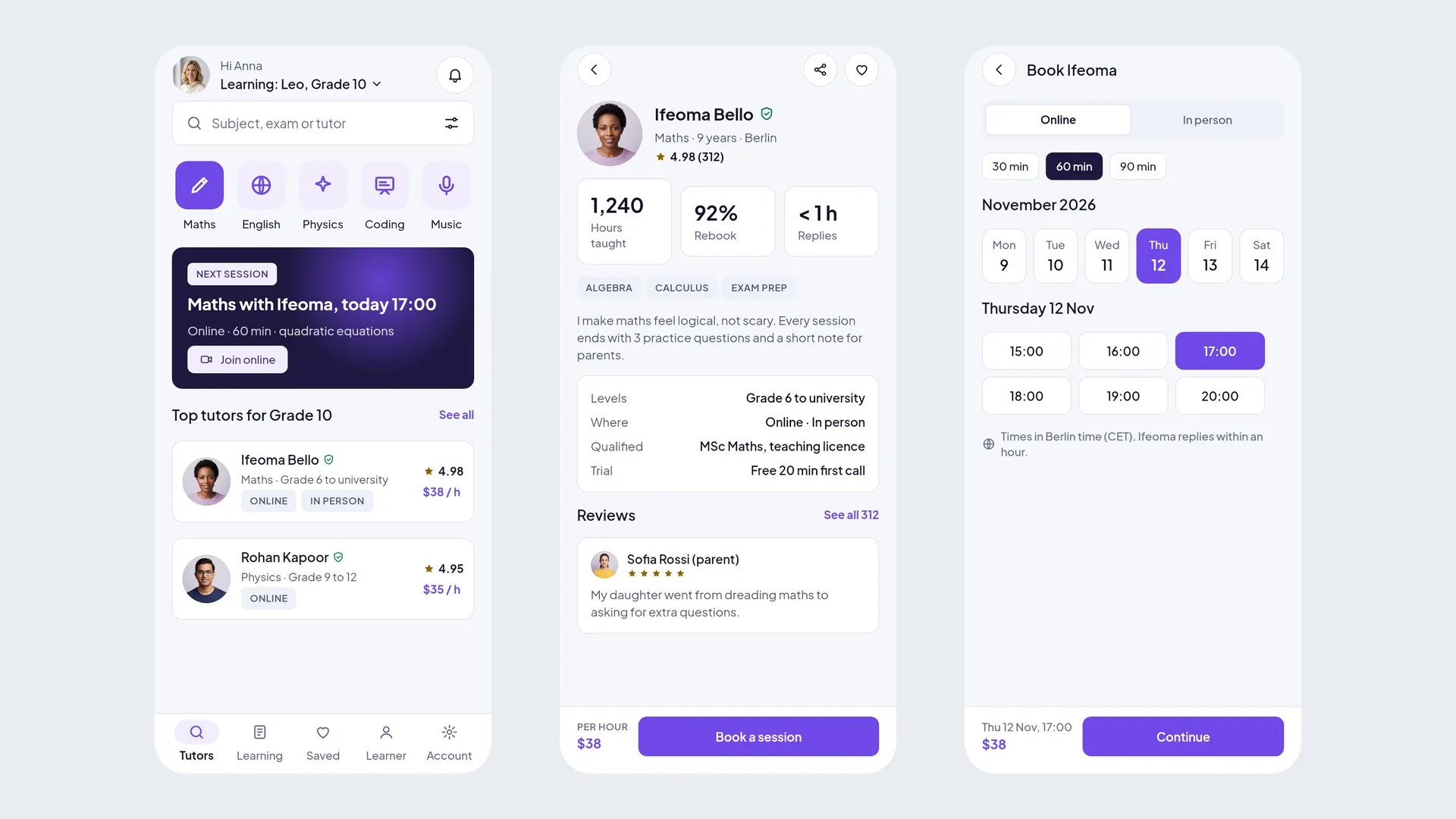
online courses, school and bus tracking, tutoring
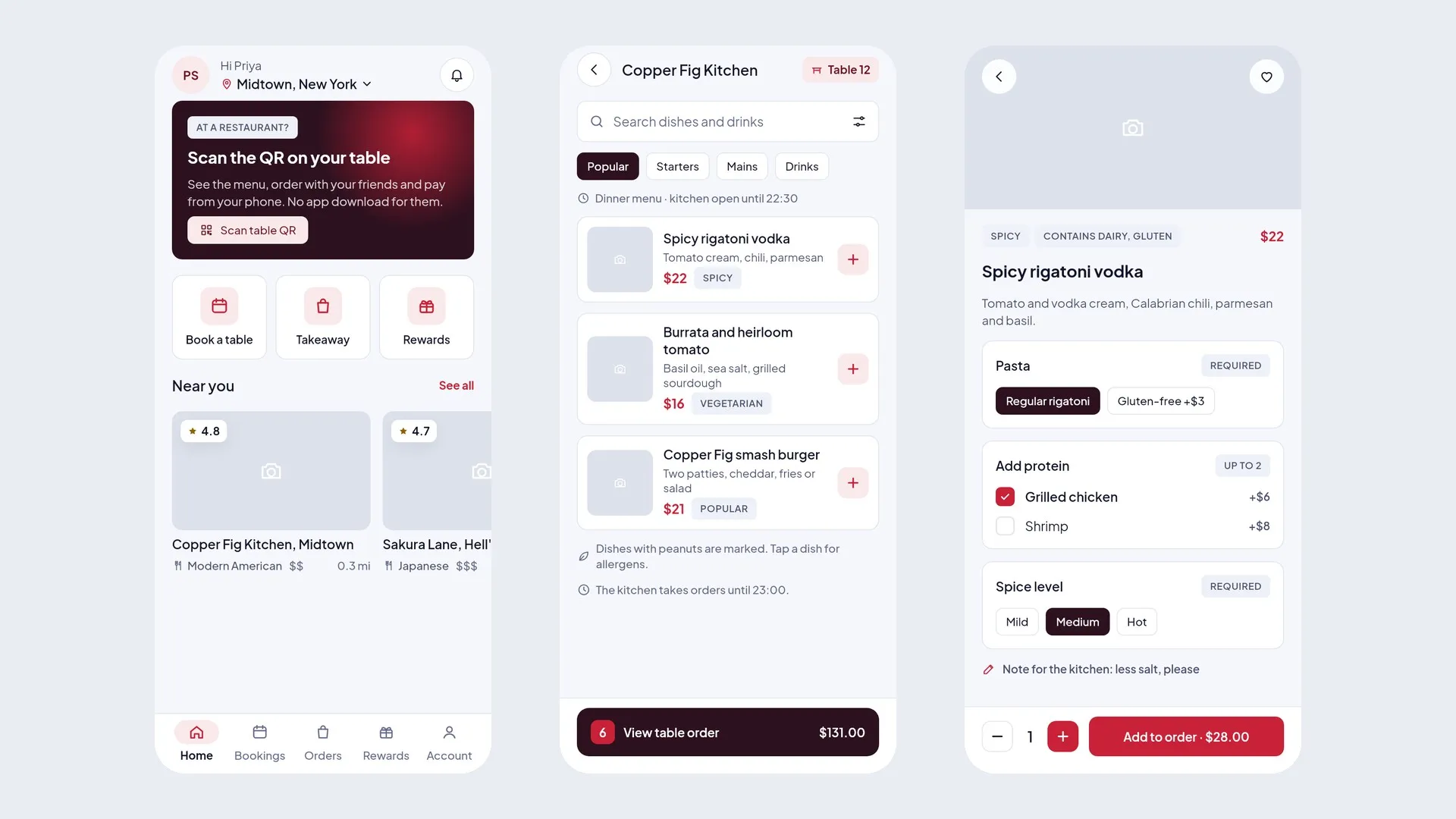
food delivery, grocery delivery, restaurant and qr ordering
multi-vendor marketplace, fashion store, pos billing
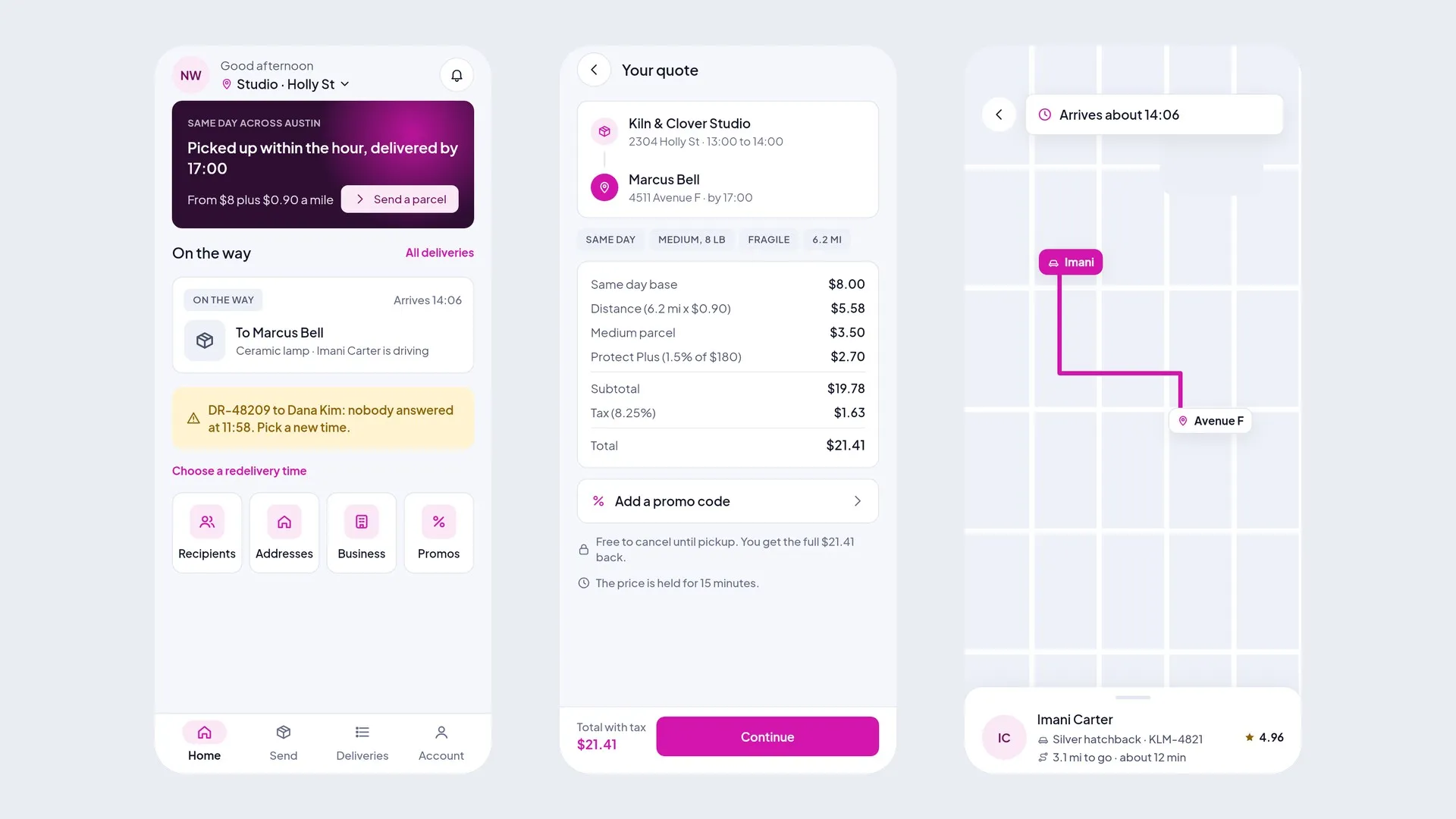
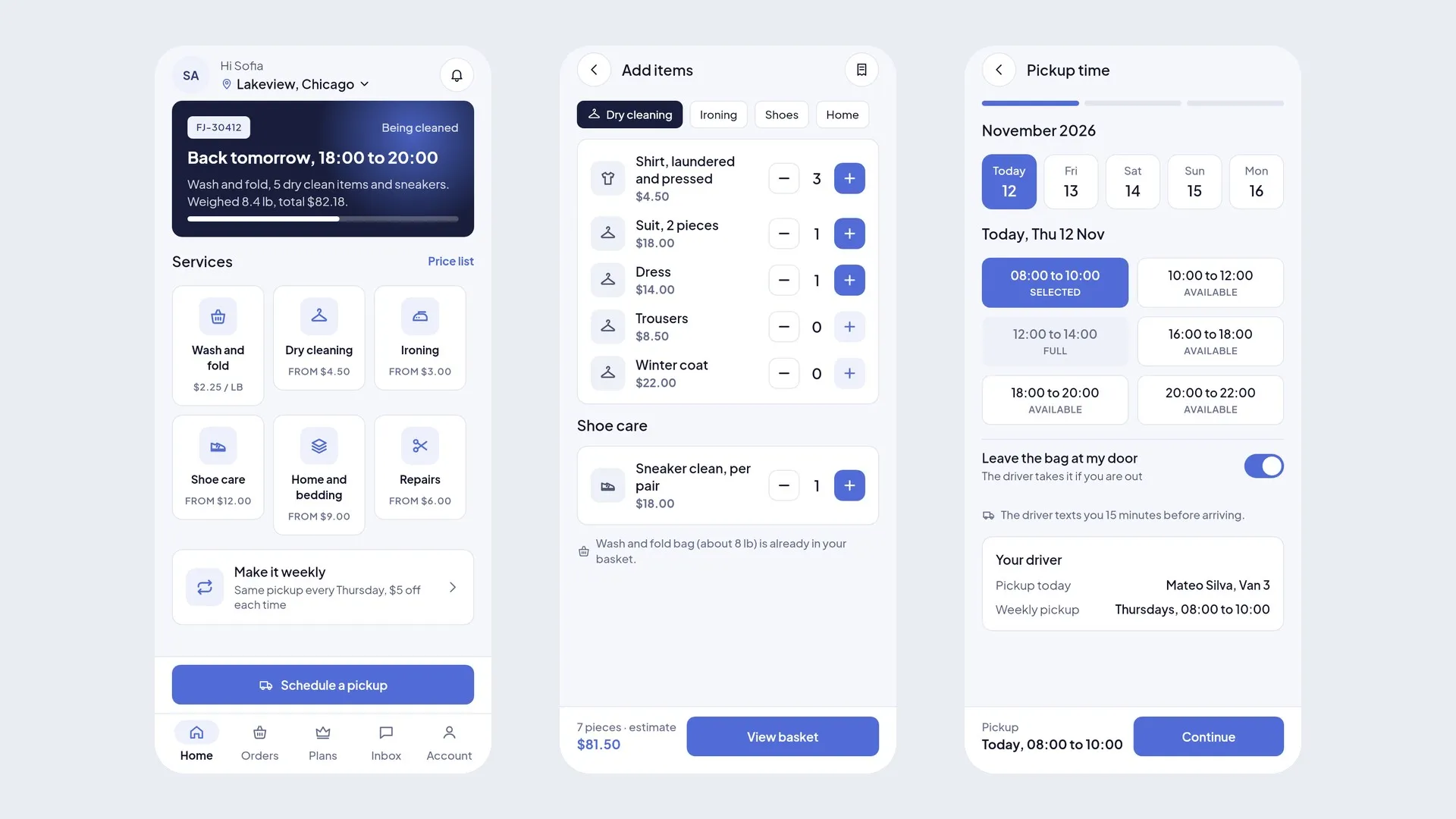
home services, courier and parcel, laundry and dry cleaning
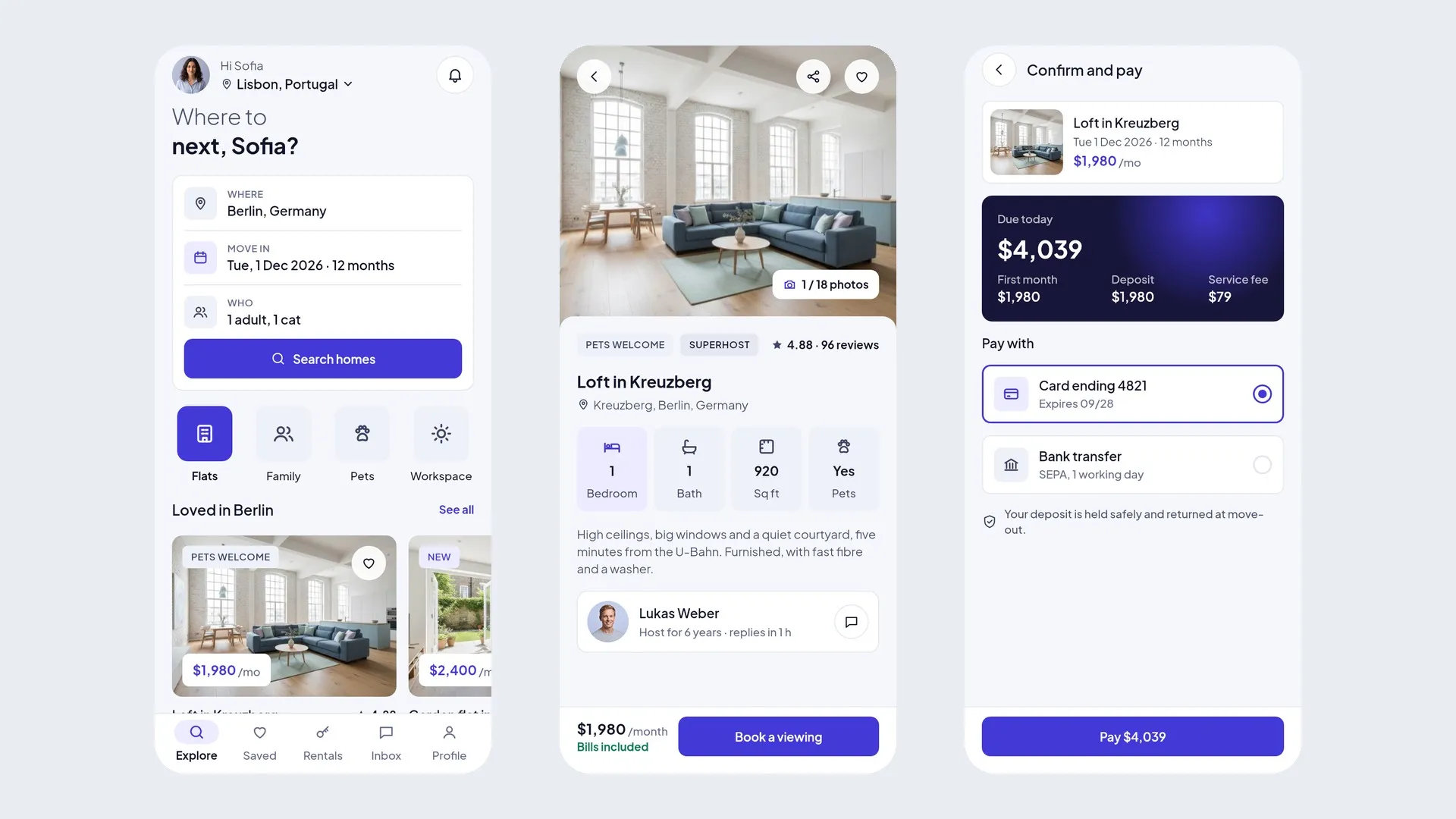
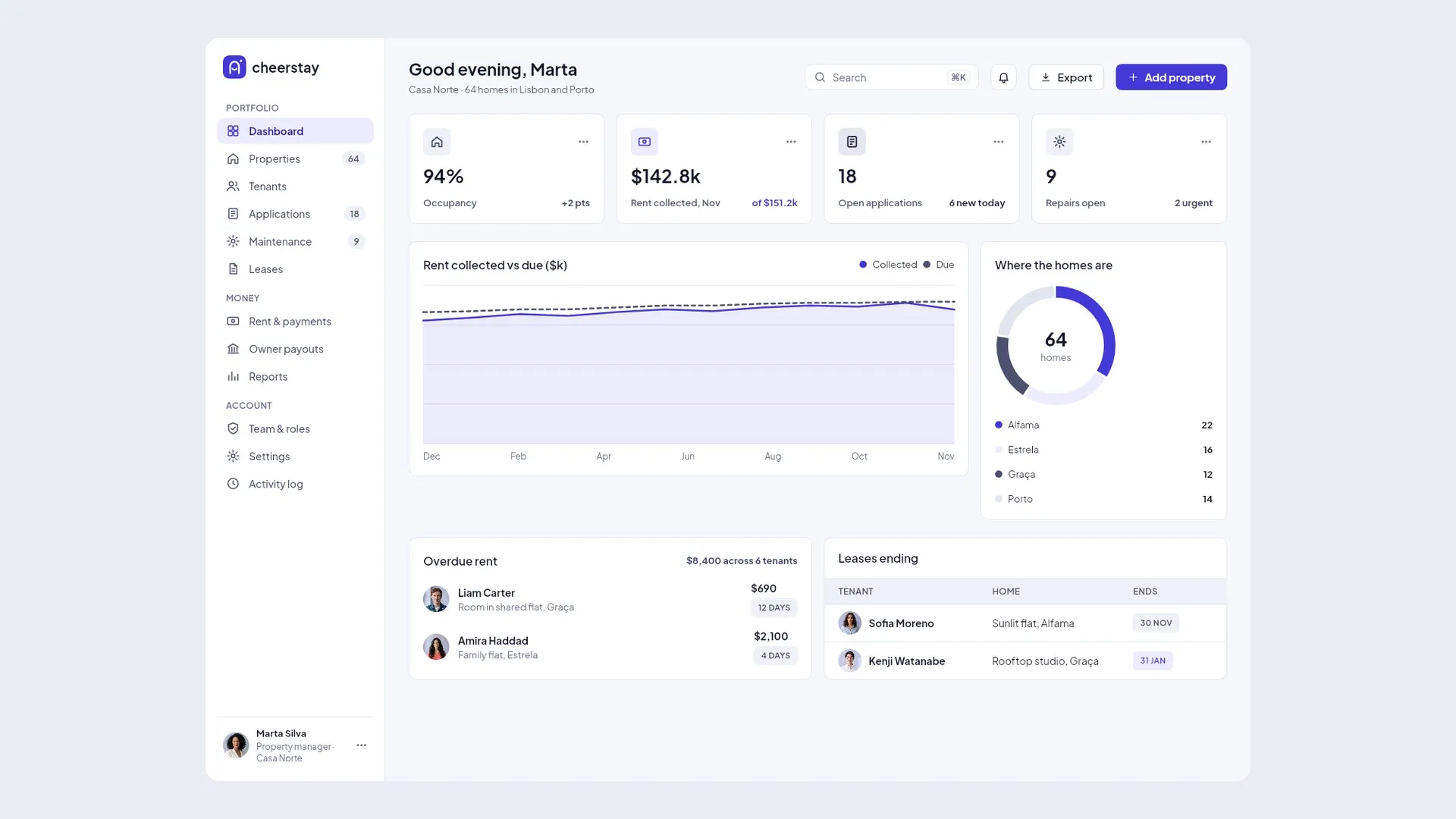
real estate, homestay and rentals, vehicle and gear rental
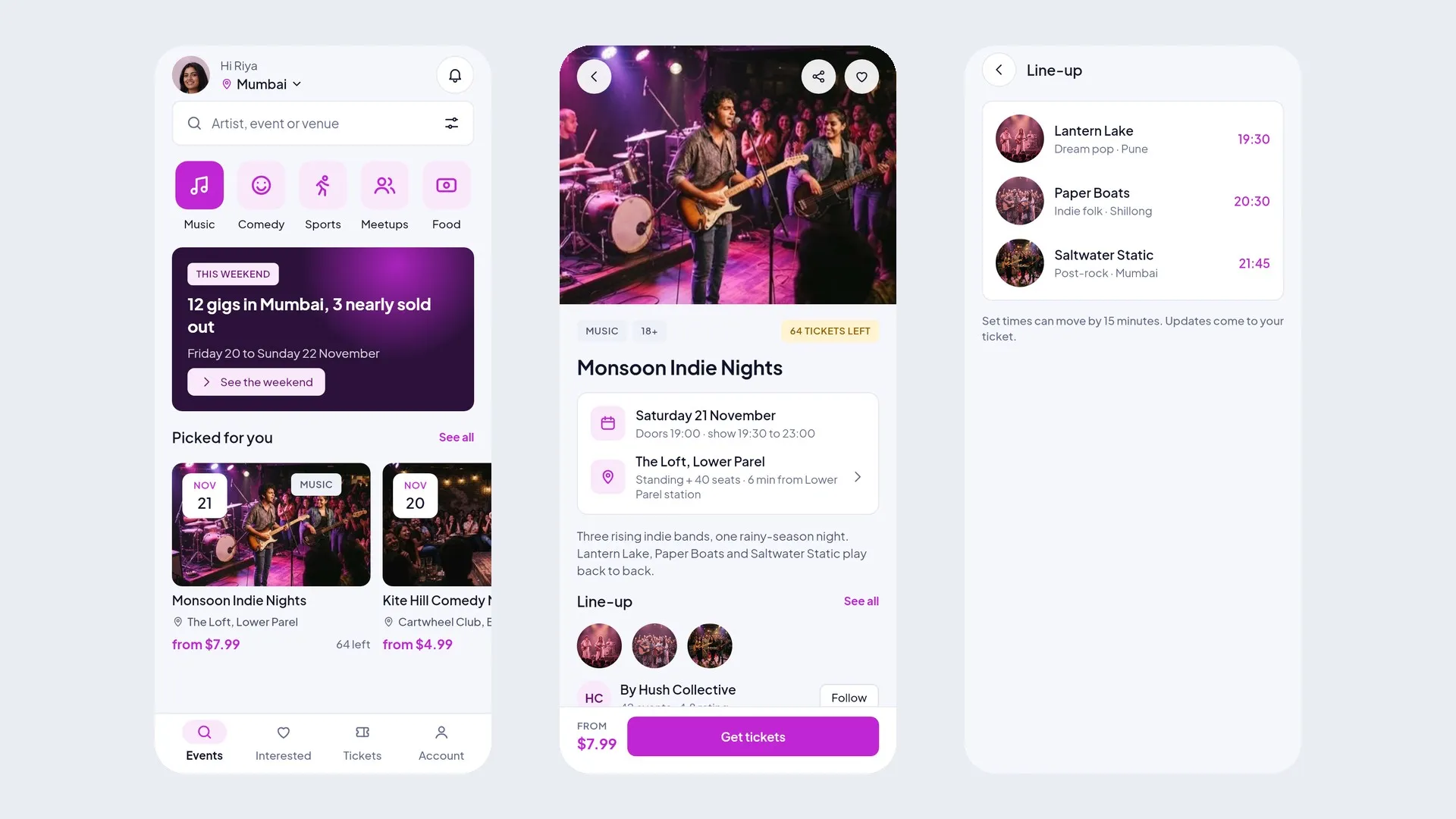
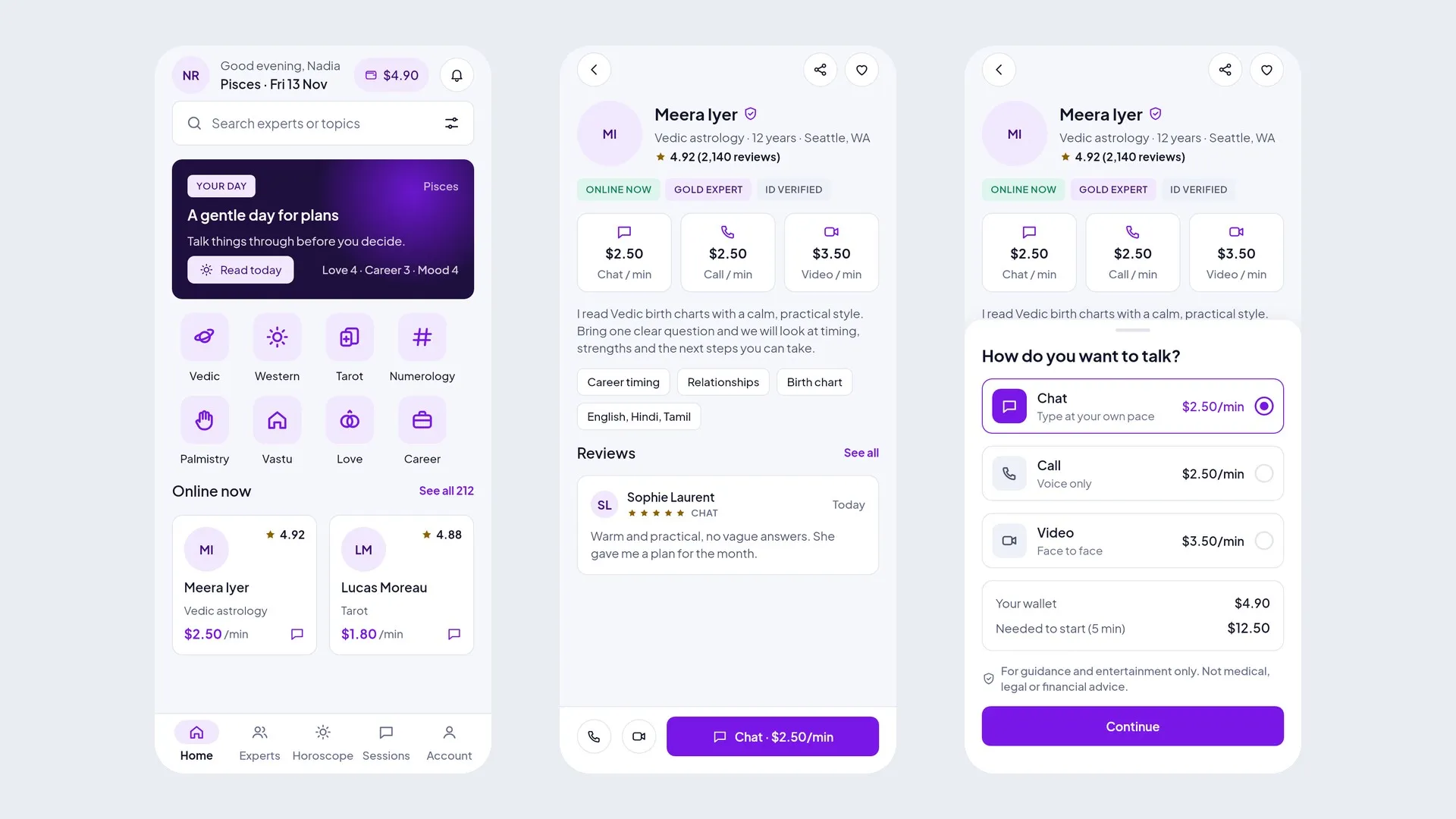
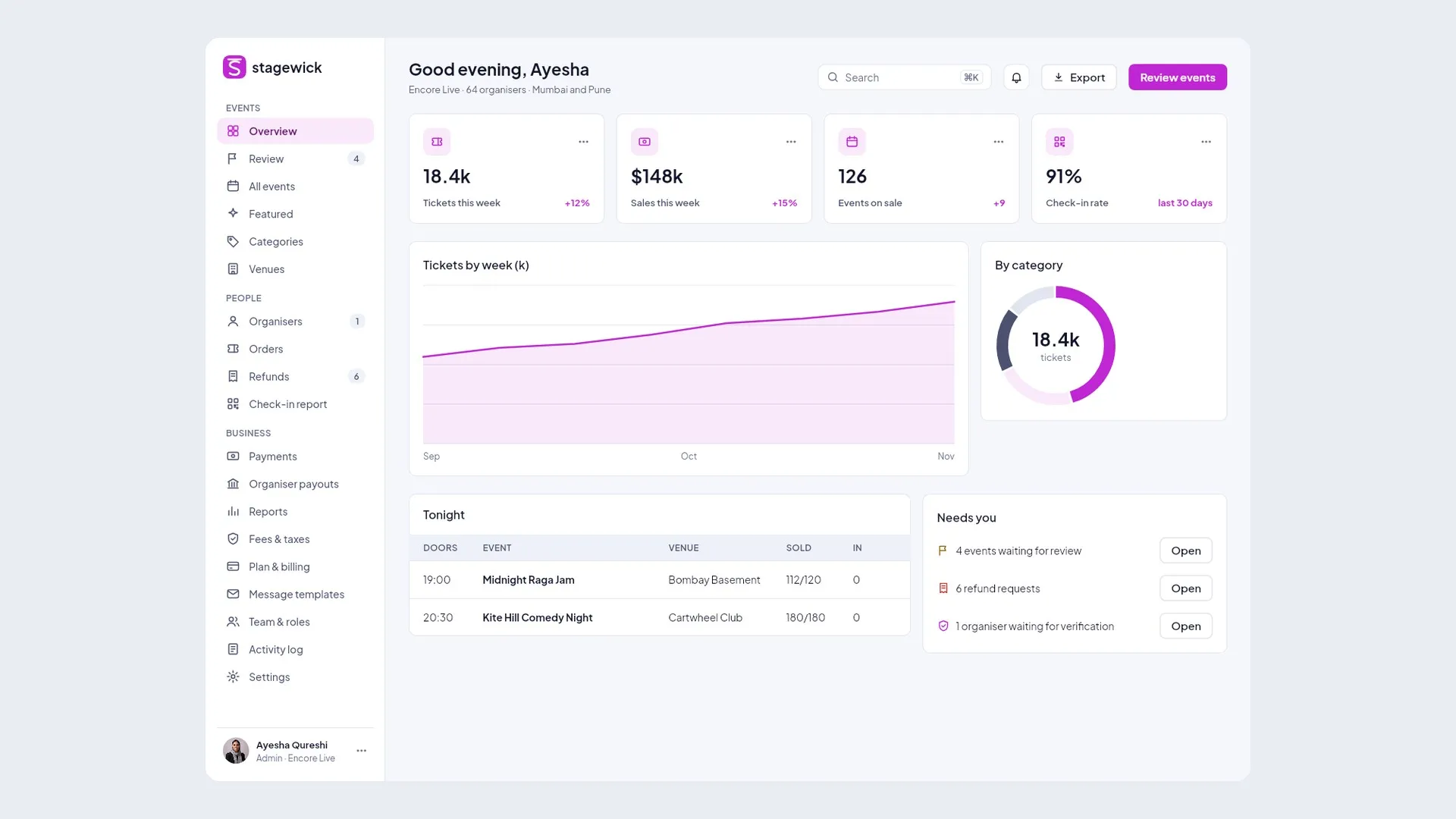
events and tickets, video streaming, paid community
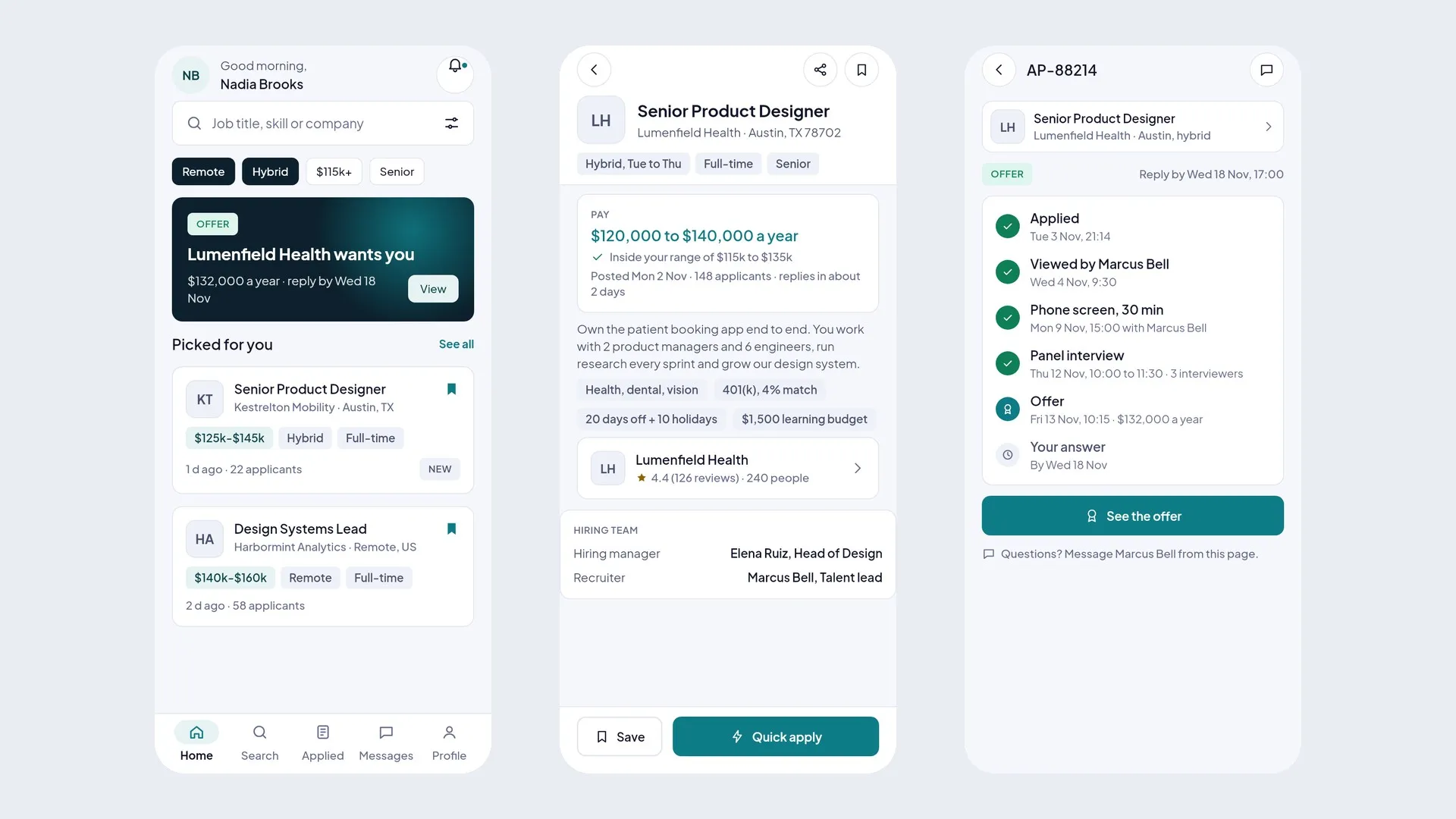
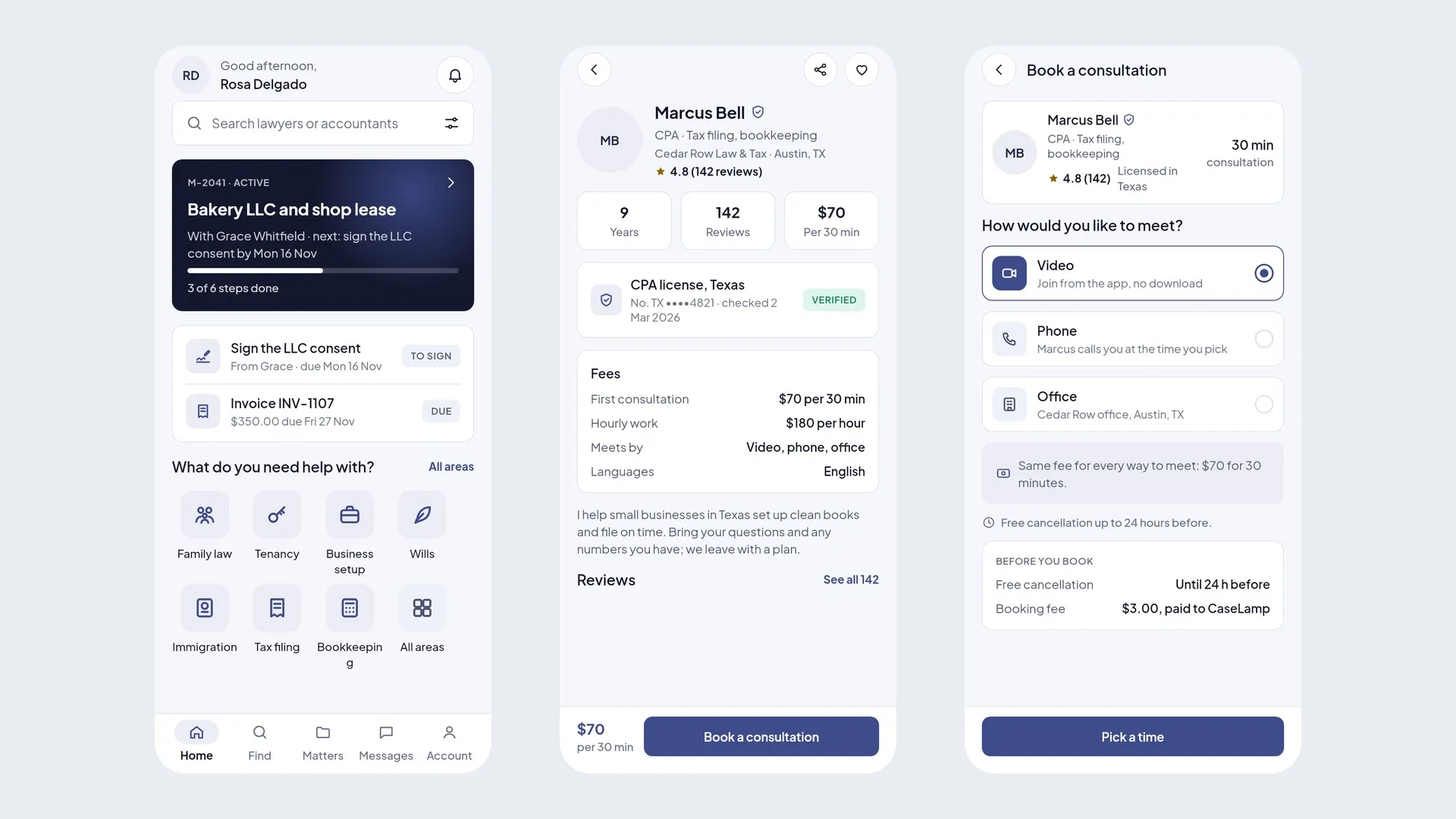
jobs and hiring, matrimony and matchmaking, donations and fundraising
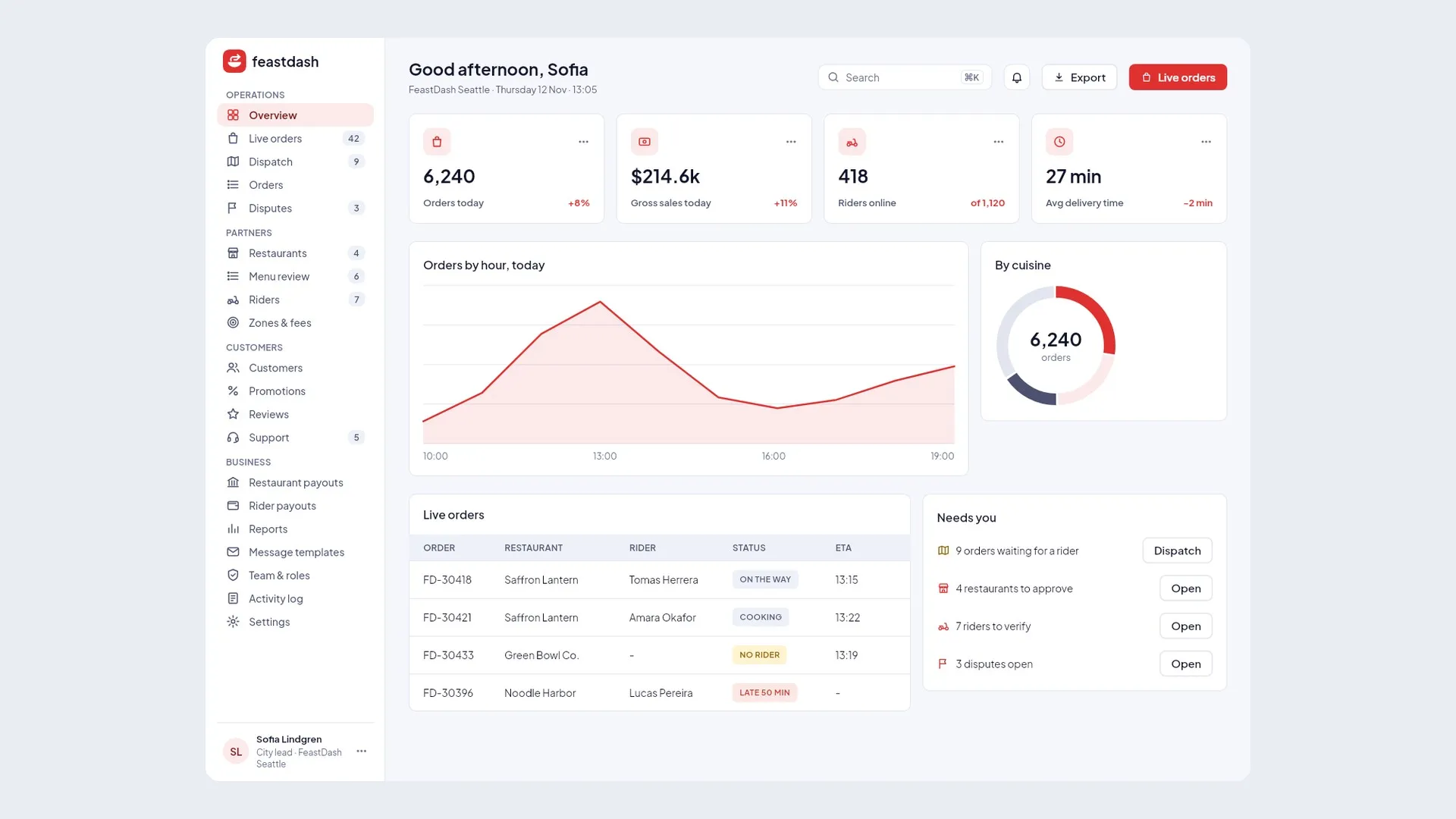
FeastDash: Customers order from restaurants, riders deliver, the platform runs dispatch.
View product
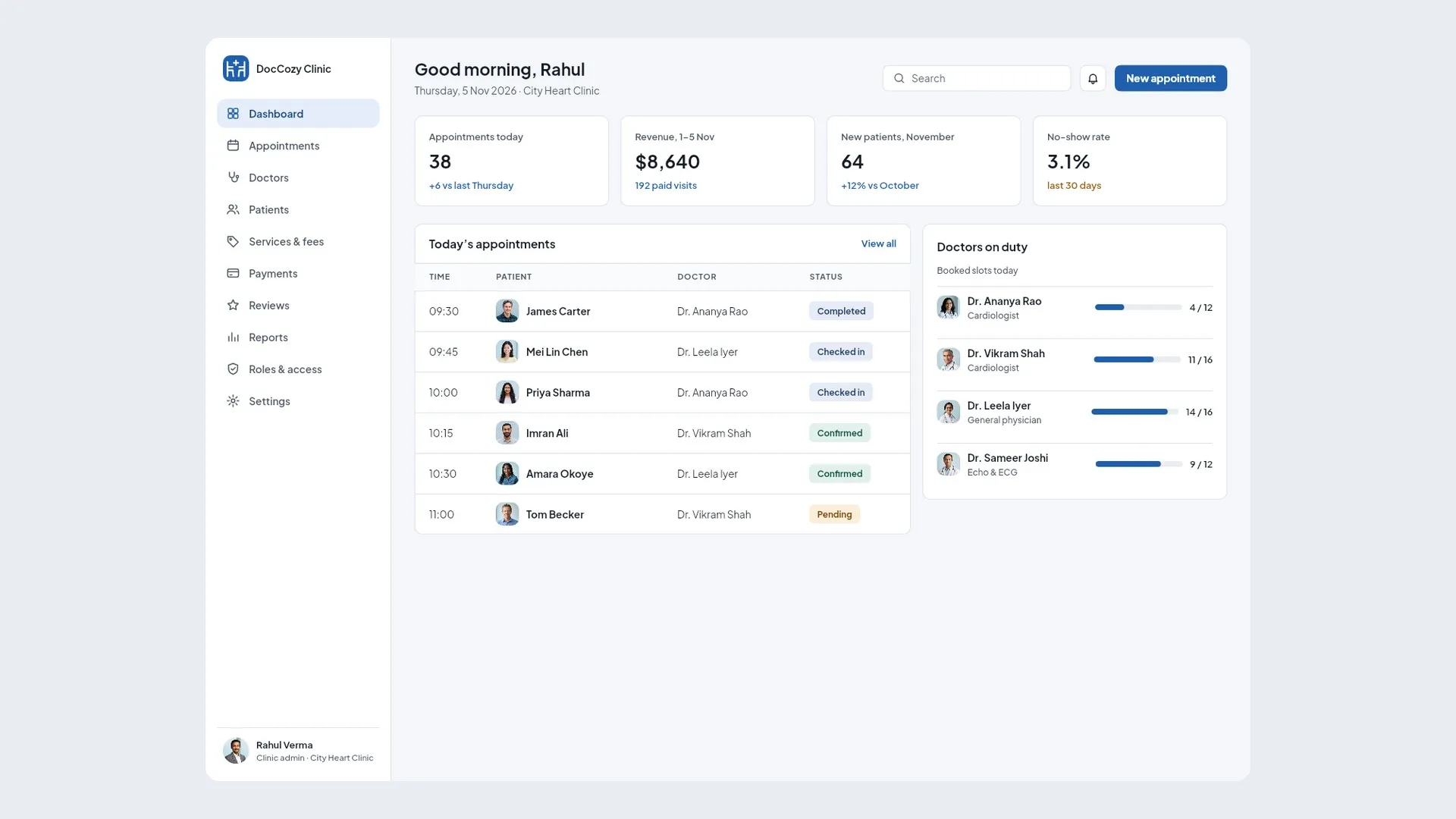
DocCozyDemo

StallFestDemo
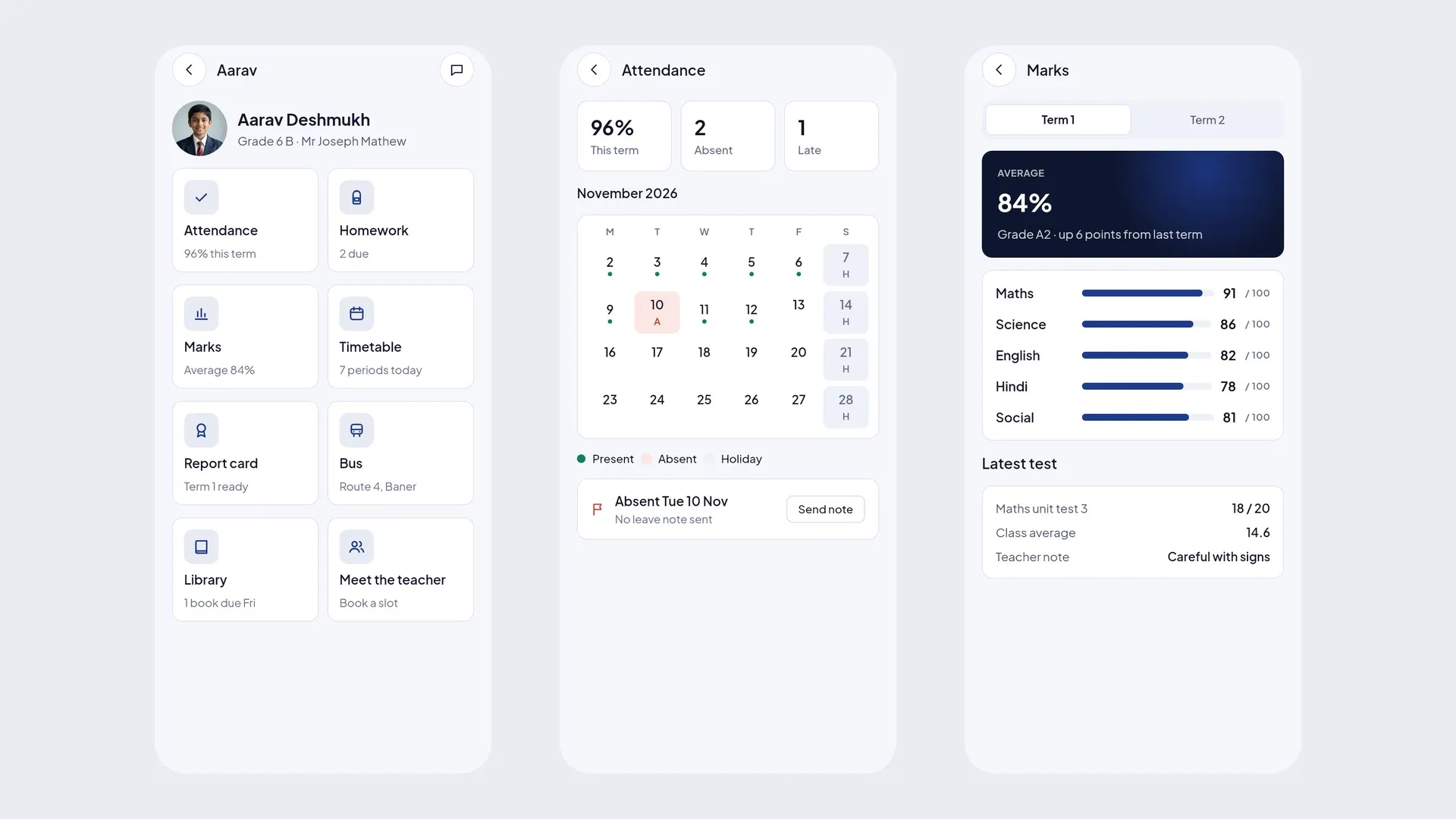
QuillsprigDemo
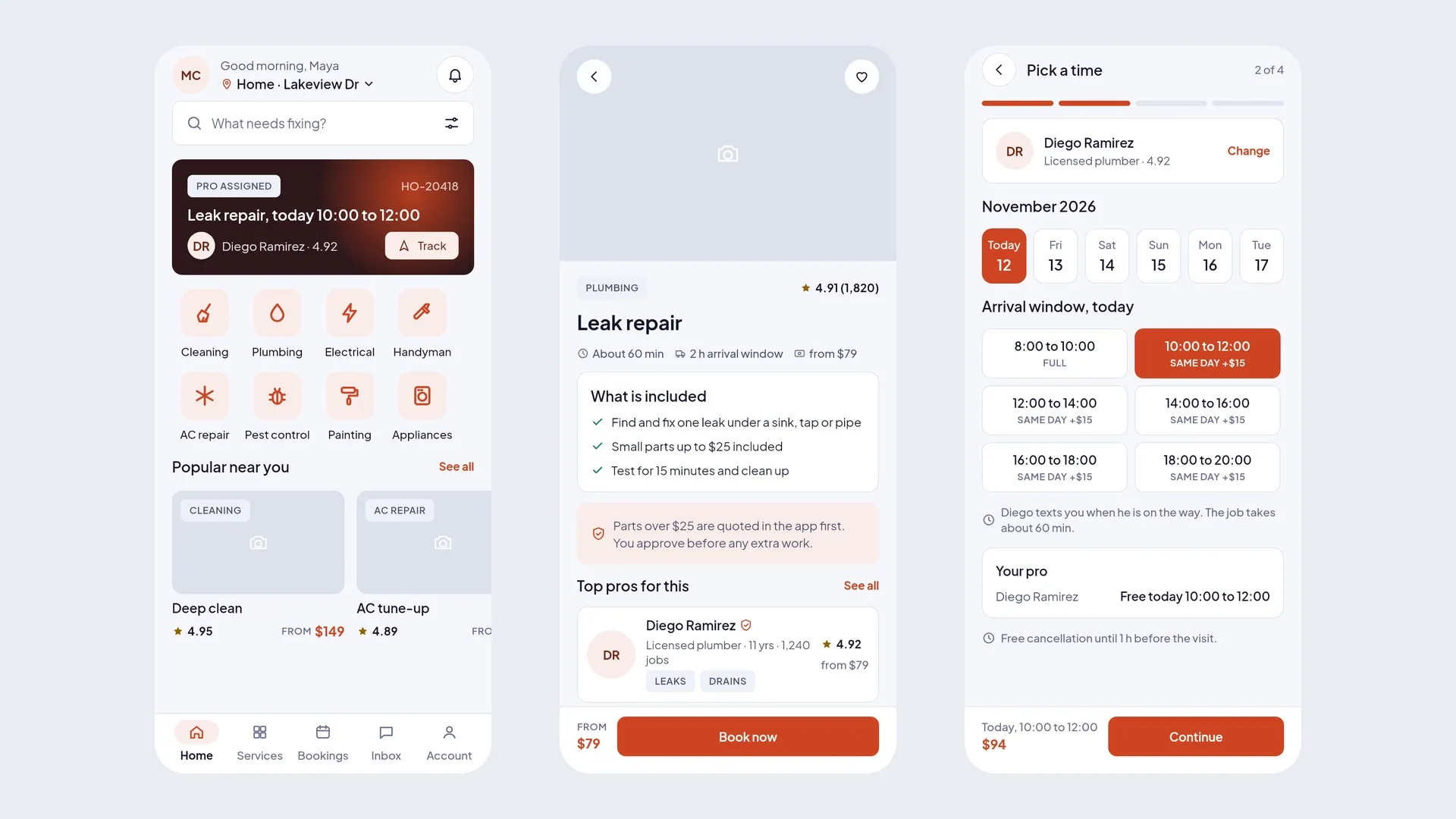
HelperOwlDemo

ChimneyKeyDemo
Steps to live
5
Buy, connect, domain, build, live.
Full apps: coming soon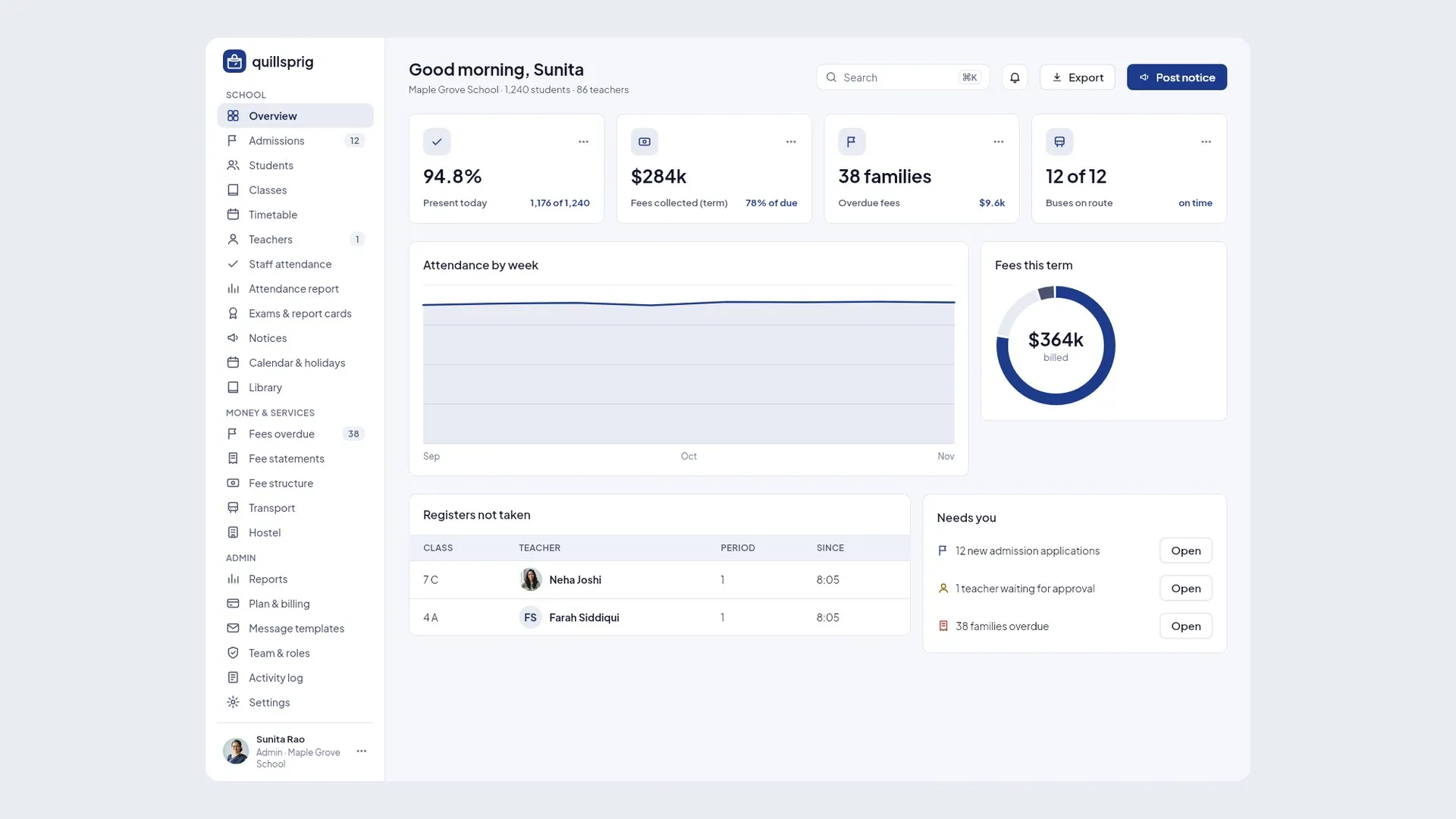
Patient app, doctor app, receptionist, clinic admin and super admin, in one bundle.
Your app runs in this project. Google bills you for it directly.
Payment gateway and email keys are added on the next screen and stay in your project.

Runs in your cloud
Your Google Cloud, your data.
On your domain
app.yourbusiness.com
One-click updates
Your setup is kept.


Food and grocery
Shoppers order groceries, pickers pack, drivers deliver to the door.

Events, media and community
Viewers watch videos, creators publish from their own studio app.
Shopping and retail
Billing at the counter for cashiers, and the shop's sales for the owner.
A full app is a complete, working app with its backend, installed into your own Google Cloud and domain by Appzenic. A Flutter UI kit is the front-end source code for every screen and role, for developers to connect to their own backend. A Figma kit is the design files for every screen.
Flutter UI kits are sold on CodeCanyon and Figma kits on Gumroad; each product page links to the right store. Full apps will be sold on appzenic.com when they launch, and you can ask for early access now.
You buy the app, sign in with Google and pick your Google Cloud project, add your Cloudflare token and domain, and start the install. It runs in the cloud while you watch, finishes with a security check, and your app opens on your own domain.
You do. The app, its database and its cloud bill live in your Google Cloud project and your Cloudflare account. Appzenic runs no servers for your app.
Yes, within 7 days of purchase if the product was not downloaded or the app was not installed. Failed and duplicate payments are always refunded. Purchases on CodeCanyon and Gumroad follow those stores' refund process. See the refund policy for details.
Try a live demo, then pick your version.