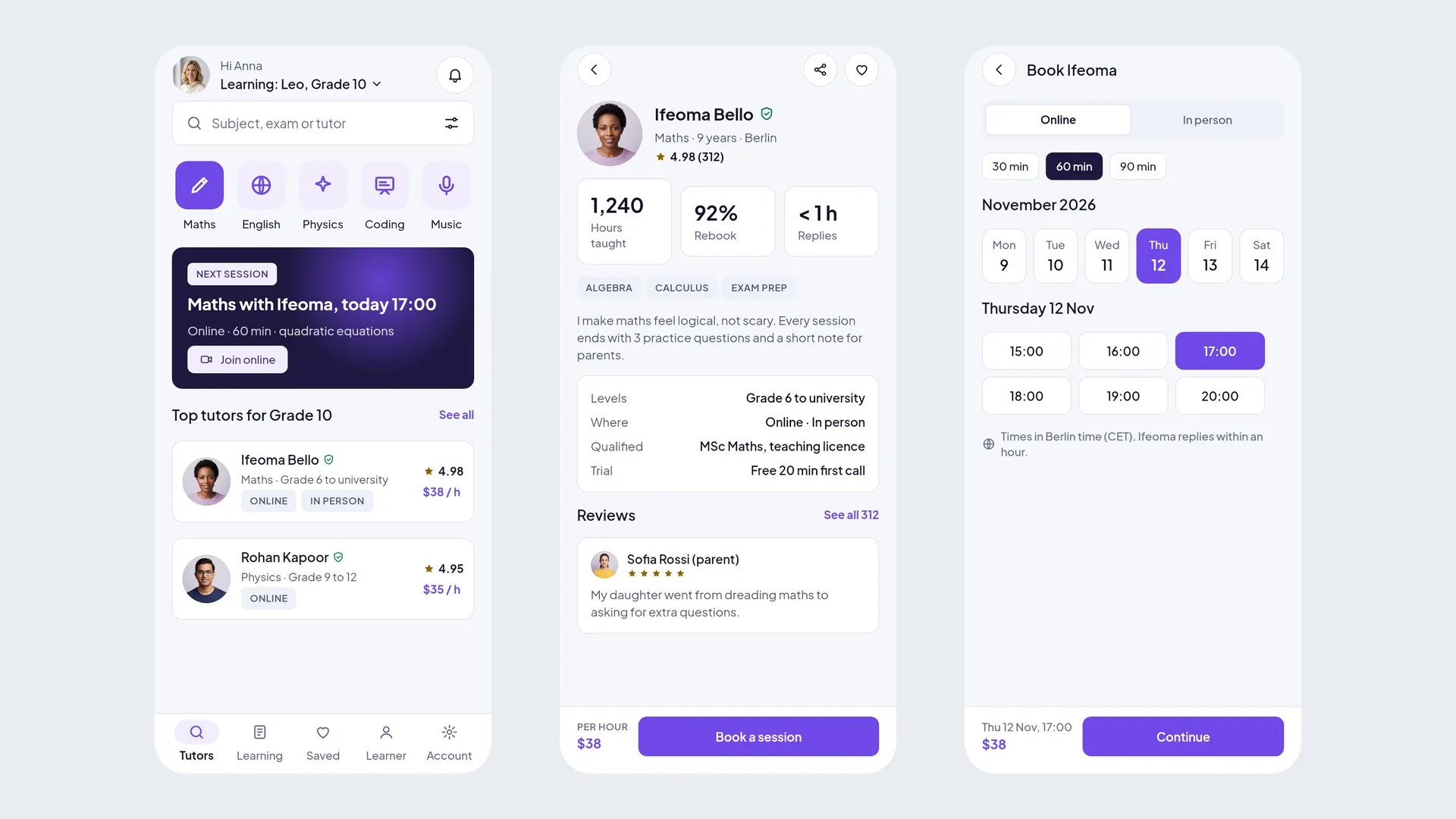
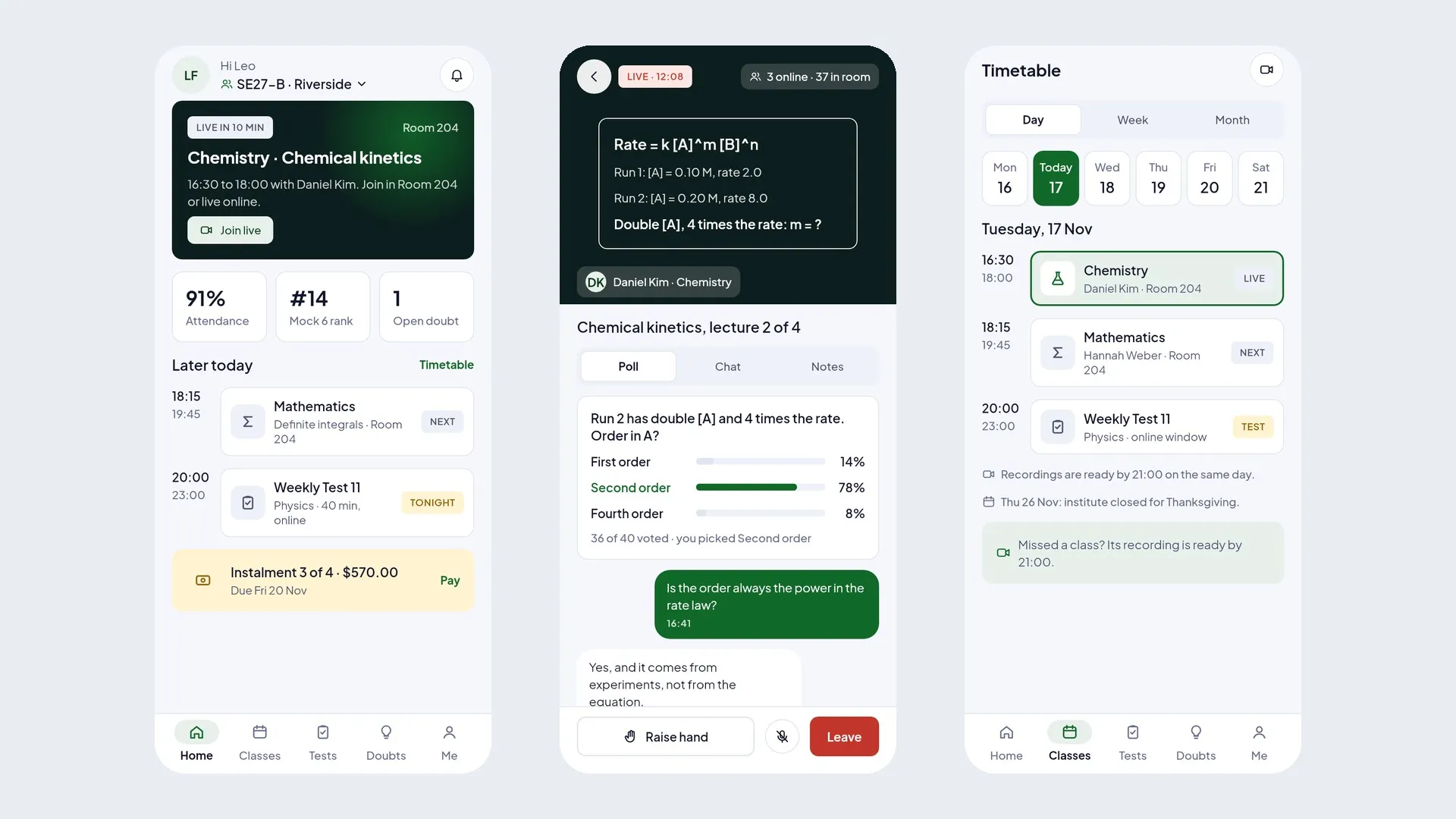
Quillsprig is a complete Flutter UI kit for a school and bus tracking business: 3 phone apps (Parent app, Teacher app and Bus attendant app) and 2 desktop admin panels (School admin and Super admin). 142 screens in clean Flutter code with no third-party packages, plus the matching Figma design file as a bonus.
Open the live demo and try every screen in your browser.
Demo Instructions
Live demo: https://uikits.appzenic.com/quillsprig/
- Choose a role on the start page (for example the customer app or the admin panel) and open any screen from its list.
- Login is open to everyone: no account or sign-up is needed.
- On any sign-in screen you can use Email: demo@example.com and Password: Demo1234, then tap Sign in. Any other email and password also work, and you can leave the fields empty.
- This is a UI kit with sample data and no backend, so nothing you type is sent or saved.
5 apps, 142 screens
- Parent app (mobile, 45 screens): onboarding, sign in, create account, verify phone, forgot password, link your child, child linked, children, child overview, attendance, leave note, leave note sent, homework, homework detail, marks, report card, timetable, school calendar, notices, notice, no homework, messages, chat with teacher, fees, fee detail, pay fees, payment failed, fees paid, fee receipt, bus live, dropped at stop, bus pass and route, library, apply for admission, application status, book a teacher meeting, meeting booked, notifications, account, personal details, payment methods, add a card, settings, help, offline.
- Teacher app (mobile, 30 screens): sign in, join your school, forgot password, teacher profile setup, waiting for approval, today, week timetable, my classes, class, take register, register saved, post homework, homework status, enter marks, marks published, student profile, notices, post notice, messages, chat with parent, meeting slots, my attendance, apply for leave, teacher profile, edit profile, notifications, settings, help, no classes today, offline.
- Bus attendant app (mobile, 9 screens): sign in, today's trip, boarding, on the way, drop at stop, riders, report an incident, trip complete, me.
- School admin (desktop, 34 screens): sign in, overview, admissions, application, students, add student, student detail, classes, class editor, timetable, teachers, approve teacher, teacher detail, staff attendance, attendance report, grading scale, exams and report cards, notices, post notice, calendar and holidays, fees overdue, fee statements, fee structure, transport, route editor, library, hostel, reports, plan and billing, message templates, team and roles, activity log, settings, setup checklist.
- Super admin (desktop, 24 screens): sign in, overview, schools, approve school, plans and billing, payouts, disputes, support, broadcast, team and roles, activity log, system status, settings, school detail, teachers, parents, fee payments, dispute detail, ticket detail, plan editor, payout run detail, board templates, promo codes, suspend school.
Every School Day in One App
A child overview with attendance, homework and marks, leave notes, report cards, the timetable, the school calendar and notices, plus a chat with the class teacher.

Fees, Paid in a Minute
Fees due with a clear breakdown, pay by UPI or card, a friendly failed-payment state, a paid screen and receipts, plus admission applications and teacher meetings.

The School Bus, Live
Parents see the bus live on the map, get an alert when their child is dropped at the stop, and carry a bus pass with the route. Bus attendants run the route and hand each child to a guardian from their own app.

Teachers Run the Day From a Phone
A today view with every lesson, the register in a few taps, homework with hand-in status, marks published to parents, notices, chat with parents, meeting slots and leave.

Desktop Consoles With a Sidebar
The school sees everything at once: students and attendance, admissions, classes and the timetable, teachers and staff attendance, exams and report cards, notices, fees overdue and statements, transport routes, library, hostel and reports. The platform owner gets a super admin console on top.

Clean Flutter code
- Only the Flutter SDK: no third-party packages, no network calls, no API keys. Run flutter pub get and flutter run.
- One theme: colours, text styles, control heights and radii live in token files. Change the primary colour once and every screen follows.
- A shared component library: buttons, chips, inputs, badges, switches, segmented controls, navigation bars, sidebar, tables, charts, modals and drawers. A Components page shows every variant.
- Every screen is reachable and works like a prototype: tabs, switches, chips and links respond.
- Responsive: phones from 360 pt, tablets, and desktop panels from 1024 pt. Below 900 pt the sidebar becomes a drawer, cards reflow and tables scroll sideways.
- Tested: every screen renders without overflow at phone, tablet and desktop sizes, and a test taps every button and link. flutter analyze reports 0 issues.
- All amounts in US dollars; sample names and cities from around the world.
What you get
- The full Flutter project (Android, iOS and web).
- Documentation: requirements, installation, folder structure, how to re-theme, how to add a screen, and the screen list per role.
- Bonus: the matching Figma design file (photo-free edition).
Requirements
This is a UI kit (front end only) without backend functionality: no server, database, user accounts or payments are included, and every screen shows sample data. To build it you need a current stable Flutter 3 release, plus Android Studio or Xcode for mobile builds. No other packages, accounts or API keys are needed.
Notes
This is a UI kit: there is no backend or payment gateway. Photo slots in the download are neutral placeholders for your own images; the sample photos appear in the demo and previews only.